VDB Studio
VDB Studio is an Unreal Engine plugin by Blood Void Games for working with OpenVDB volumes: smoke, fire and explosions. It supports Unreal Engine 5.5 to 5.8.
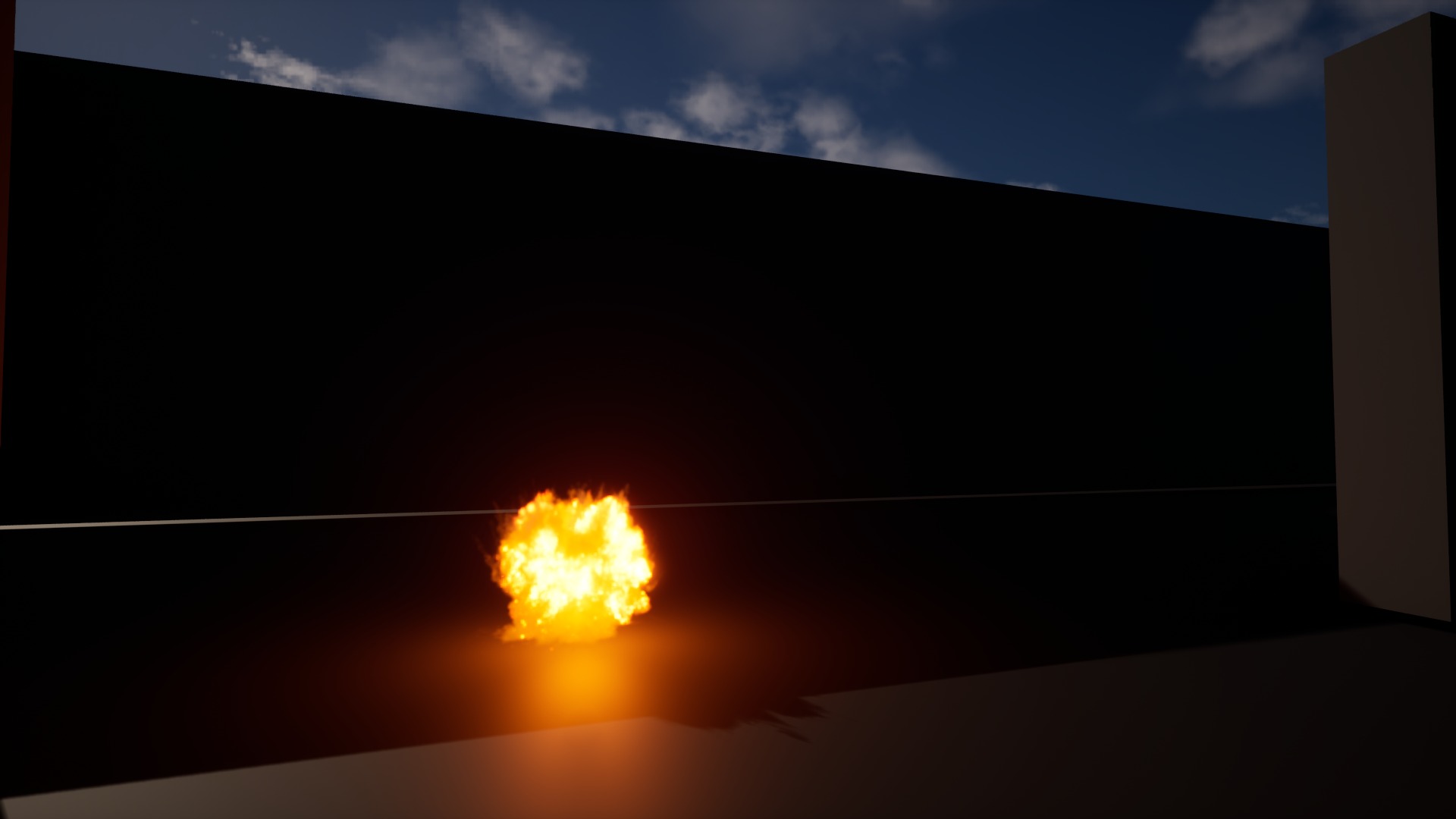
What it adds
| Area | What you get |
|---|---|
| Compression | VDB files stored about 7x smaller than a Sparse Volume Texture and decoded on the GPU during playback. |
| Viewer | Double-click a volume to open an interactive raymarched preview with full look controls. |
| Materials | One click generates a Volume-domain material from what you see in the viewer. |
| Motion | Velocity-advected frame blending, seamless loop authoring, Sequencer and Movie Render Queue support. |
| Lighting | Fire that lights the scene and scatters into its own smoke, from data baked into the asset. |
| Optimization | Levels of detail, view-based decoding, editor proxy boxes and Niagara stand-ins at distance. |
| Disturbance | Bullets, projectiles and swings cut through smoke at runtime, from Blueprint. |
How this documentation is organised
The pages follow the path a volume takes through a project. Read them in order the first time; each one continues from the last.
- Install the plugin and import a VDB.
- Inspect it in the viewer and develop its look.
- Generate a material and place the volume in a level.
- Set up playback, lighting and rendering.
- Author loops and clips, then optimize for your target.
The Reference section lists every setting and Blueprint node.
tip
Click any screenshot to enlarge it. Numbers in tables match the markers on the image.